 EveryCord
Record your screen
Capture gameplay and anything else on screen in high quality, with quality, frame rate and audio source settings.
Screen recorder, live streaming and EveryCord Social
Your next moment. Shared.
EveryCord captures your iPhone or iPad screen, streams to YouTube, Twitch or any RTMP service, and brings up to three friends on camera into your broadcast. Then share clips anyone can watch.
On iPhone, iPad, Mac, Apple Vision Pro, Apple Watch and the web. See every platform
Trailer
A minute and a half, with English captions and a transcript.

Going live takes more than a camera.
It takes friends beside you, more than one platform, and moments worth keeping.
This is EveryCord 2.5.
Go live with up to three friends on camera, with chat and reactions right beside you.
Stream to YouTube, Twitch and custom RTMP at once, with up to three outputs.
Streams now play right in EveryCord.
Post them as Past streams, and cut Quick clips in seconds.
Send Sparks to support the streamers you watch, and show it with four supporter levels.
And streamers can use Sparks to boost their own streams and clips, always labeled Promoted.
That's what's new in EveryCord 2.5.
No ads from outside advertisers and no subscriptions.
EveryCord. Free to download.
On screen: Presenter is AI-generated. Names and streams shown are fictional demo content.
Record, edit and stream
The recorder, streaming, facecam, captions and editor are all built in and free for everyone.
Capture gameplay and anything else on screen in high quality, with quality, frame rate and audio source settings.

Go live on YouTube, Twitch or any RTMP service, on up to three outputs at once.

Record your face and voice together with the front camera, right over your recording.
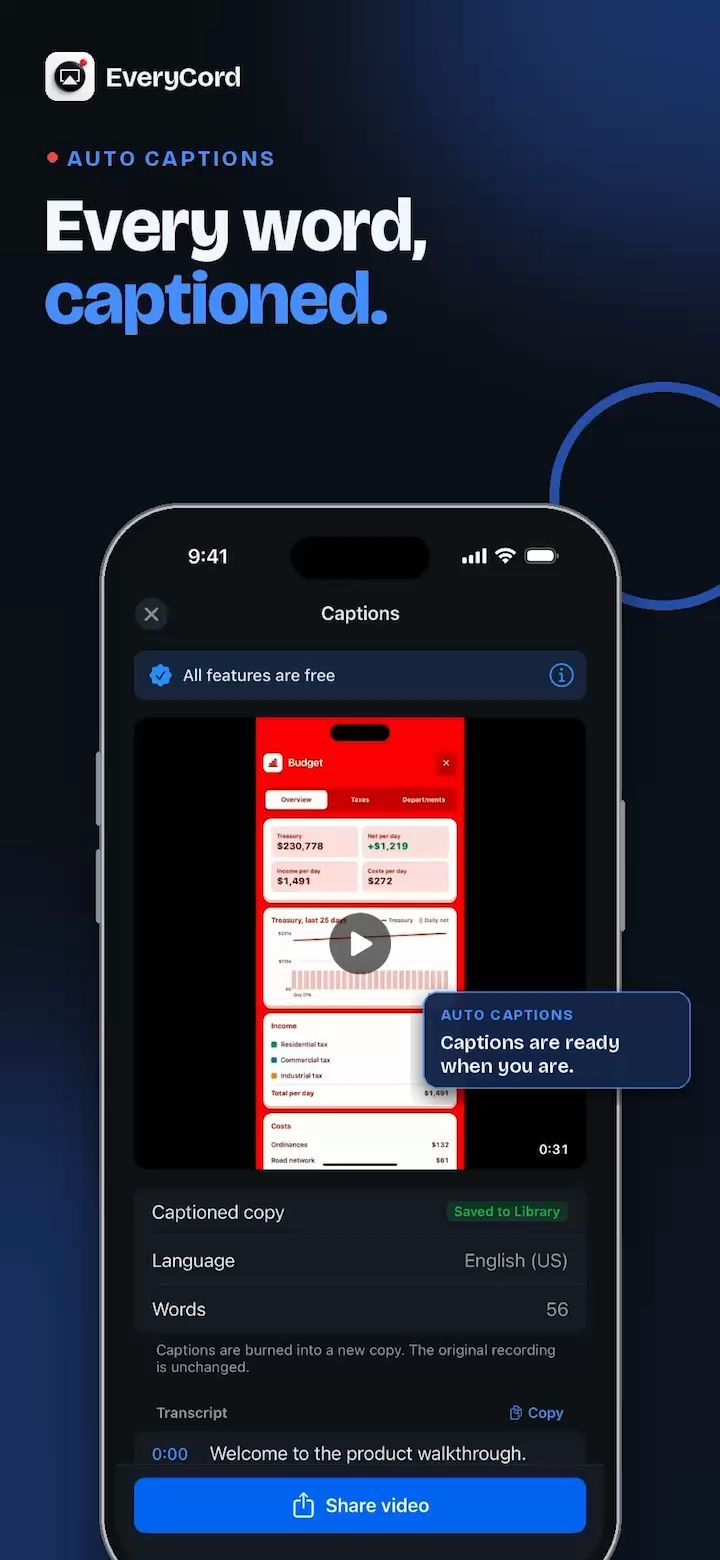
Turn recorded speech into captions on your video, so people can follow along with the sound off.

Trim videos, apply effects and add text, then share to other apps and social media.
Every platform
Sign in with the same EveryCord account on iPhone, iPad, Mac, Apple Vision Pro and the web, and your profile, follows and clips are there.
Record your screen, stream to YouTube, Twitch or any RTMP service, go live with friends on camera, and share clips.


Record your screen, a window or an app, add captions in the editor, go live on Twitch or any RTMP service, and watch and chat in EveryCord Social.


Watch live streams with the chat beside them, and browse Live Now, clips and comments in their own windows.


Show your Apple Watch screen in a recording or live stream using Apple Watch Mirroring on iPhone, then mute your mic or add a marker from your wrist.
Your iPhone does the recording and streaming, and Watch sounds are not included. Needs an iPhone with iOS 16 or later and an Apple Watch Series 6 or later or any Apple Watch Ultra; Apple Watch Mirroring is not available on Apple Watch SE. Viewers see everything on your Watch screen, so turn on a Focus first.


Watch live streams, chat, browse clips and follow creators in any browser with your EveryCord account.
Recording, going live and co-hosting are in the apps.


From the community
 Landscape clip0:30
 Landscape clip0:30
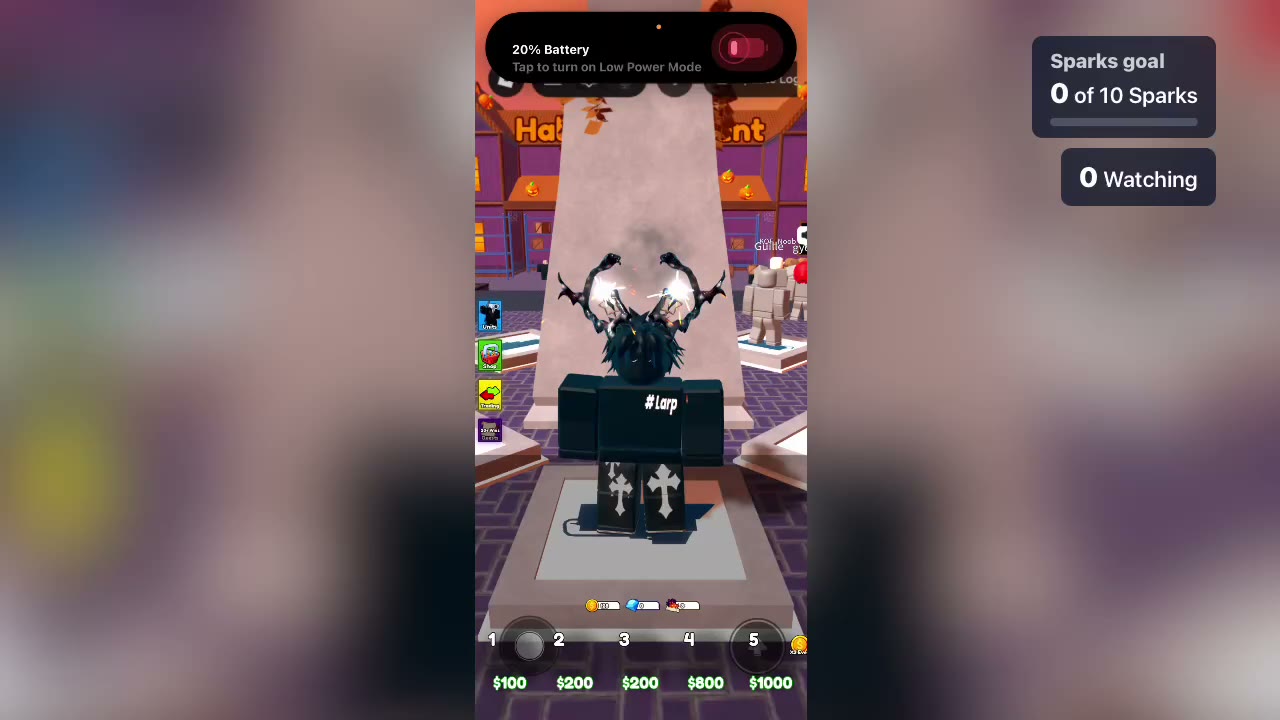 Landscape clip1:17
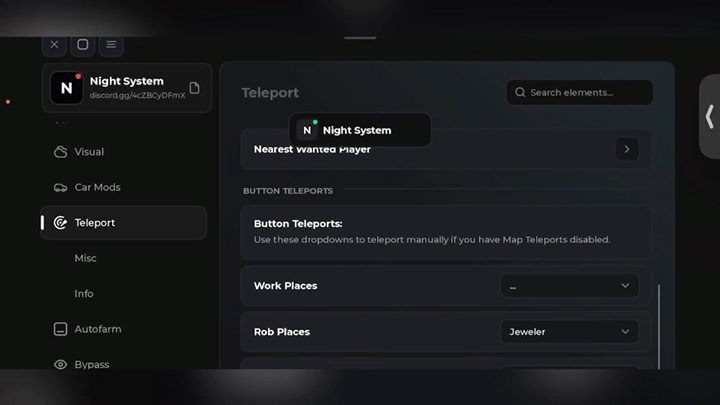 Landscape clip3:00
 Landscape clip2:16
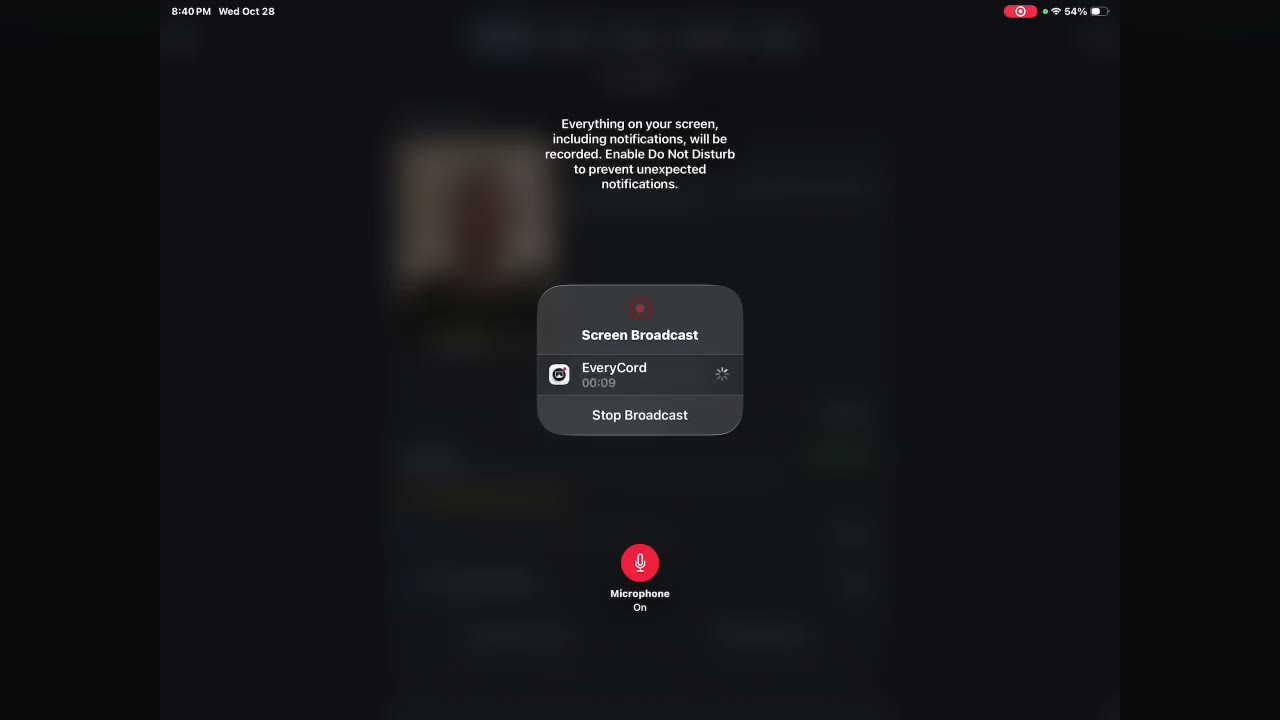 Landscape clip0:08
 Landscape clip0:31
 0:20
0:20 Landscape clip0:30
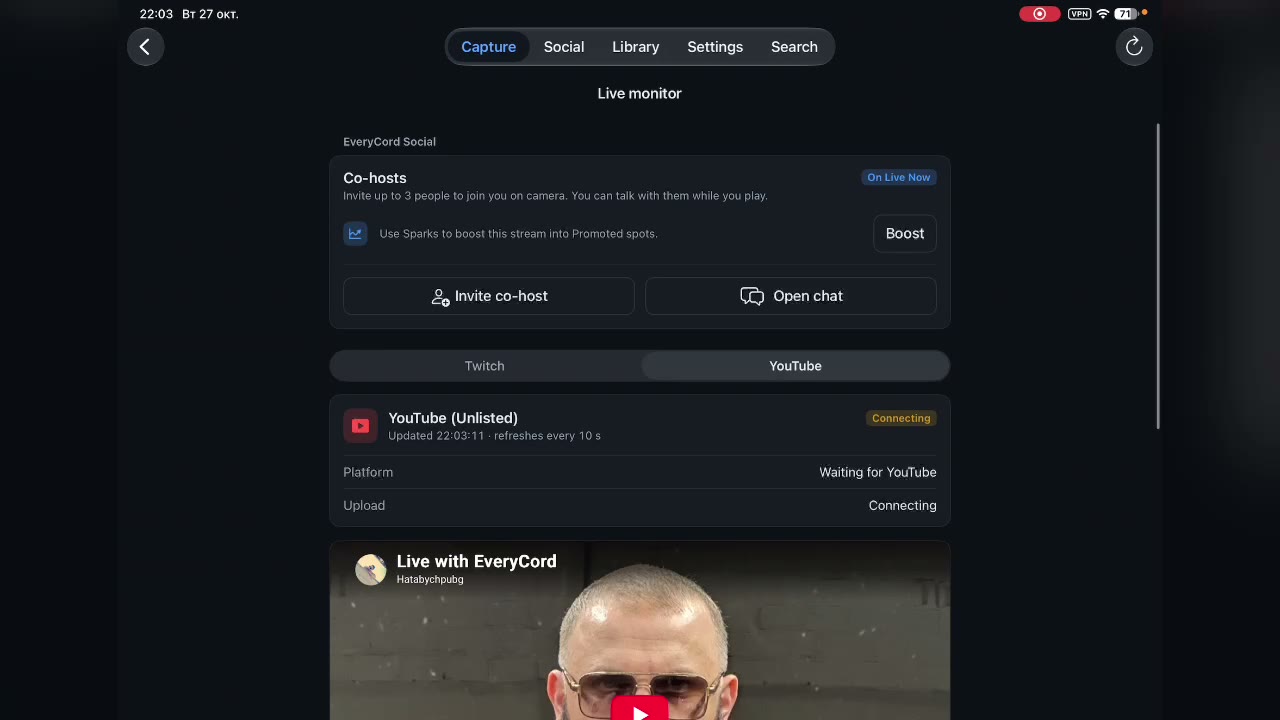 Landscape clip0:29
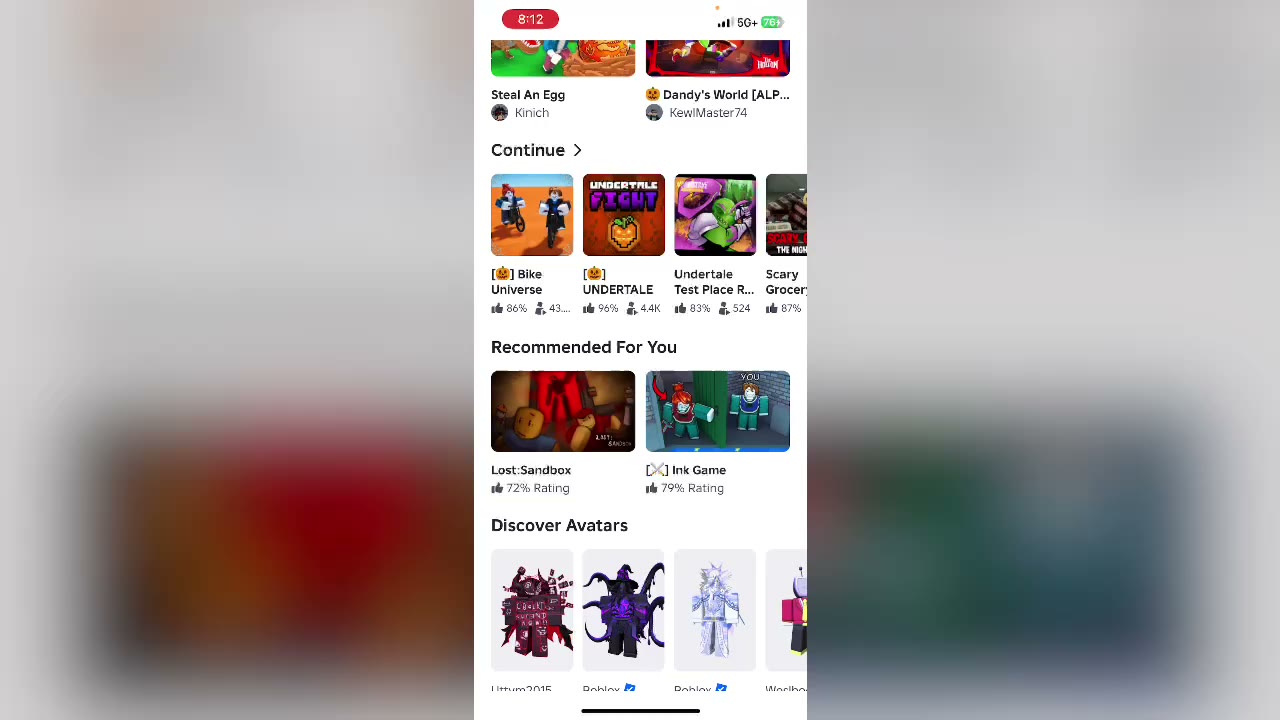 Landscape clip0:30
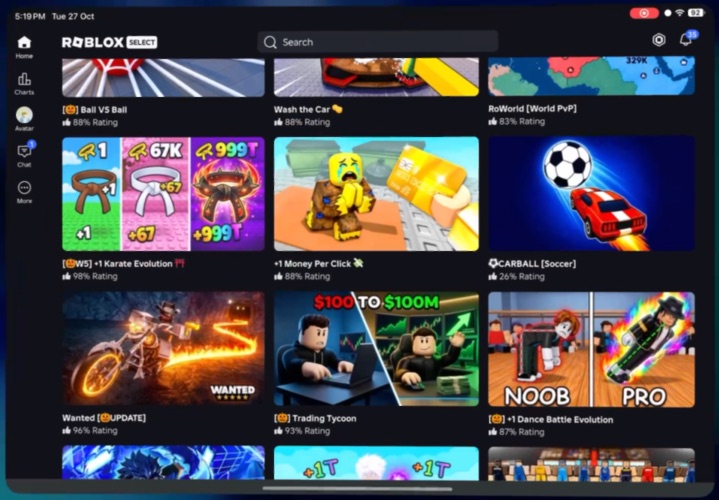 Landscape clip1:00
Recording, streaming, co-hosting, chat and clips are free for everyone, with no paid subscriptions. Sparks are optional purchases you can send in live streams to support streamers.
We plan to show minimal ads only on everycord.net and app.everycord.net to help pay for servers. Ads are not serving yet. The native EveryCord apps will remain free of outside advertising. EveryCord is a passion project of Symaro, LLC, and Sparks keep it running: viewers send Sparks, optional purchases, in live chat to support the streamers they watch. Streamers get half of what EveryCord receives for the Sparks they’re sent. The other half keeps EveryCord running, including its servers.
We plan to show minimal ads only on everycord.net and app.everycord.net to help pay for servers. Ads are not serving yet. The native EveryCord apps will remain free of outside advertising.
Recording, editing and streaming work without an account. EveryCord Social (co-hosts, Live Now, chat, clips and profiles) asks you to sign in with Apple, Google or an email code.
To YouTube, Twitch or any RTMP service, on up to three outputs at once.
Invite up to three friends from EveryCord, or send an invite link to anyone. They join on camera from their own iPhone, and friends without EveryCord get the App Store link.
iOS 18 or later. Your camera keeps running in a small floating window while you switch to a game.
Until you delete them. Every clip has a link anyone can open, on the web or in the app.
Every profile, clip, comment, chat message and live stream can be reported or blocked in the app. The team reviews every report within 24 hours.
Email services@symaro.com or visit the support page.
Record, stream, co-host and share clips from your iPhone. All of it is free.
EveryCord Social
Go live together, on camera
Bring friends into your stream, chat with your viewers, and share your best moments with a link.
Go live together
Co-hosts on camera
Invite up to three friends to join your stream from their own iPhones. Their cameras appear as bubbles in your broadcast, and you talk together live.
Show my camera
Stay on camera while you play
Appear in your own stream while you play. Your camera keeps running in a small floating window when you switch to a game.
Live chat
Your chat, your rules
Chat with viewers in real time and react together while you stream.
Share clips
Clips with a link anyone can open
Publish your best moments to your profile. Anyone can watch them on the web or in the app, and viewers can like and comment.
Watch clips on the web
Live now
See who is live
Post your stream so followers can find it, and get a notification when people you follow go live.
Invite links
One link brings co-hosts in
An invite link works while the stream is live, until you turn it off or everyone it is for has joined.
Your profile
Profiles and follows
Follow creators, see who follows you, and keep up with new followers, likes and comments in Activity.
Search and discover
Search the Social tab for people, clips and live streams. Suggested for you shows people you may know, with the reason for each suggestion, such as who you both follow.
Keeping EveryCord running
We plan to show minimal ads only on everycord.net and app.everycord.net to help pay for servers. Ads are not serving yet. The native EveryCord apps will remain free of outside advertising.
Viewers can send Sparks in live chat to support the streamers they watch. Streamers get half of what EveryCord receives for the Sparks they’re sent, and the other half keeps EveryCord running, including its servers.
How Sparks work
Safe by design
Every profile, clip, comment, chat message and live stream can be reported or blocked, and reports are reviewed within 24 hours.
Read the community guidelines